Build custom iRacing overlays with the WYSIWYG Theme Editor.
Give your iRacing broadcast a consistent look across all 46 overlays in OBS or vMix. Choose from 23 ready-made themes on Pro and above, including Road Course. Create your own graphics with the WYSIWYG Theme Editor on League and Enterprise.
Core overlays stay free. The 14-day Pro trial includes every Pro feature and all 23 ready-made themes, including Road Course. Theme Editor authoring starts with League.
Make every graphic feel like it belongs to the same show.
A timing tower, lower third, battle card and results board should not look as if they came from four different packages. EDR applies a shared visual language across the production, so the race stays easy to follow and your branding stays consistent from grid to podium.
New in EDR Broadcast
Build custom iRacing graphics in the WYSIWYG Theme Editor.
Create the league look visually and see the design as you work. The editor lives inside the same EDR Broadcast system that supplies 46 browser-source overlays, Auto-Director, incident detection, replay control and live timing.
Download and try itSet the look once, then build the race around it.
The theme system now supports both routes: choose a ready-made look for a fast setup, or open the WYSIWYG Theme Editor and visually build the league identity you want before the lights go out.
Choose a base theme.
Pick one of 23 broadcast-ready looks, or begin your own design in the WYSIWYG Theme Editor.
Add your overlays.
Use the visual editor to shape the theme, then bring leaderboards, driver cards, flags, battles, track maps, grids, results and more into your OBS or vMix scene.
Run the show.
Your graphics stay visually coherent while EDR handles timing, camera direction, incidents, replay and race-night operations.
More than a timing tower skin.
EDR themes cover the graphics that tell the story at every point in a broadcast.
Make the important moment obvious.
Flags, pit information, leaderboards, track maps and timing give viewers a clear read of what is happening now.
Keep the camera shot useful.
Driver lower thirds, relative gaps, battle cards and telemetry add context without overwhelming the race footage.
Carry the look through the whole event.
Grid, podium, results and championship graphics keep the presentation consistent before, during and after the chequered flag.
One theme system, one production language. Start with the included look that suits your event, then let every EDR overlay present the race with the same hierarchy, colour treatment and visual rhythm.
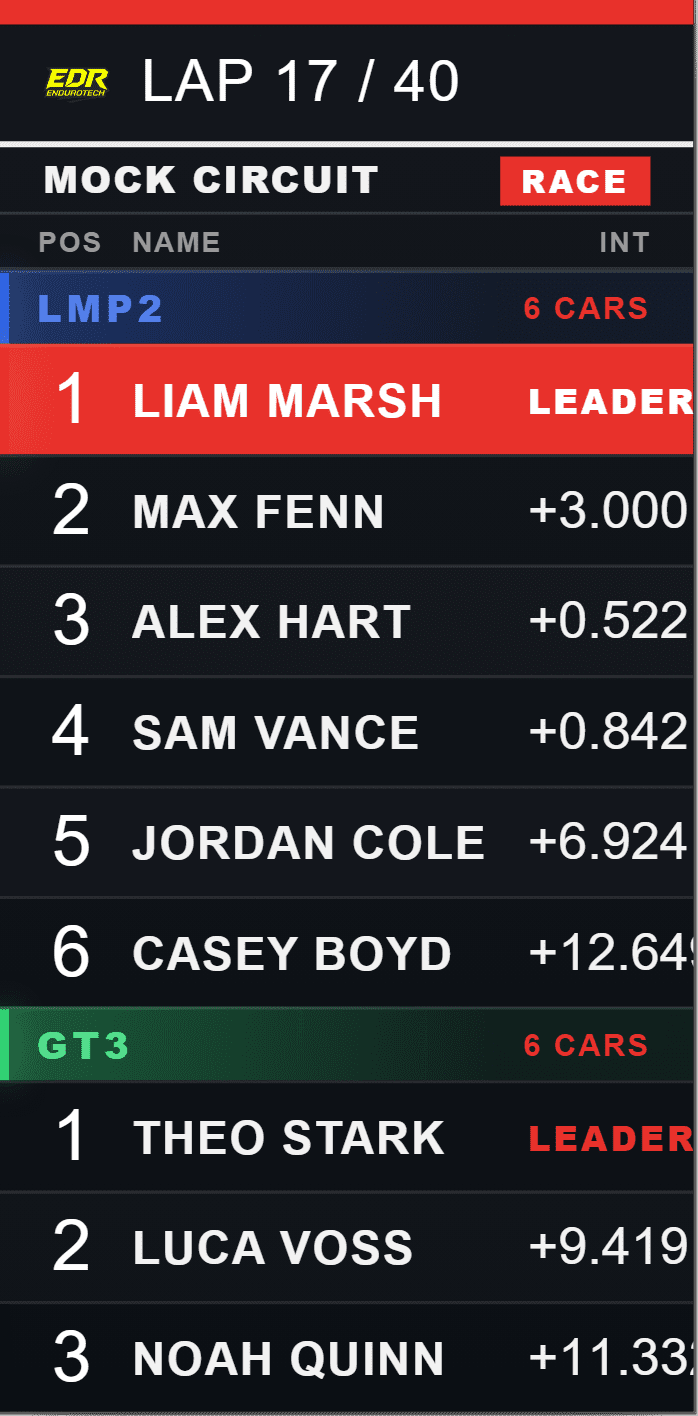
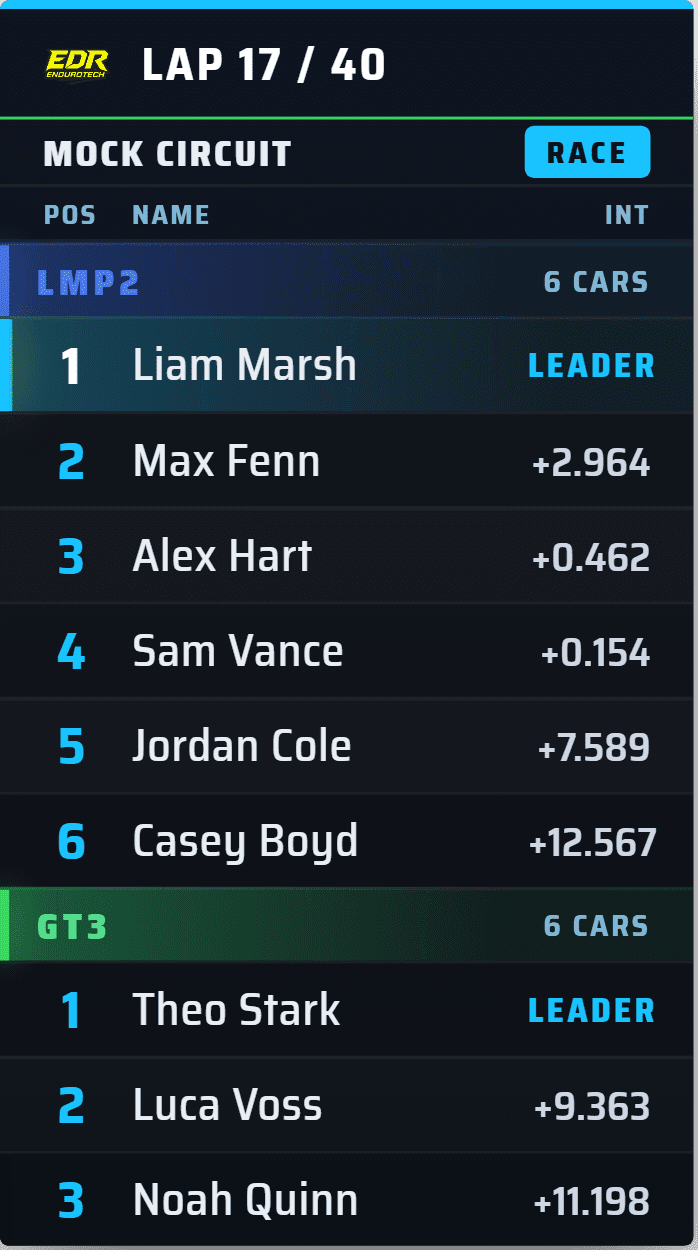
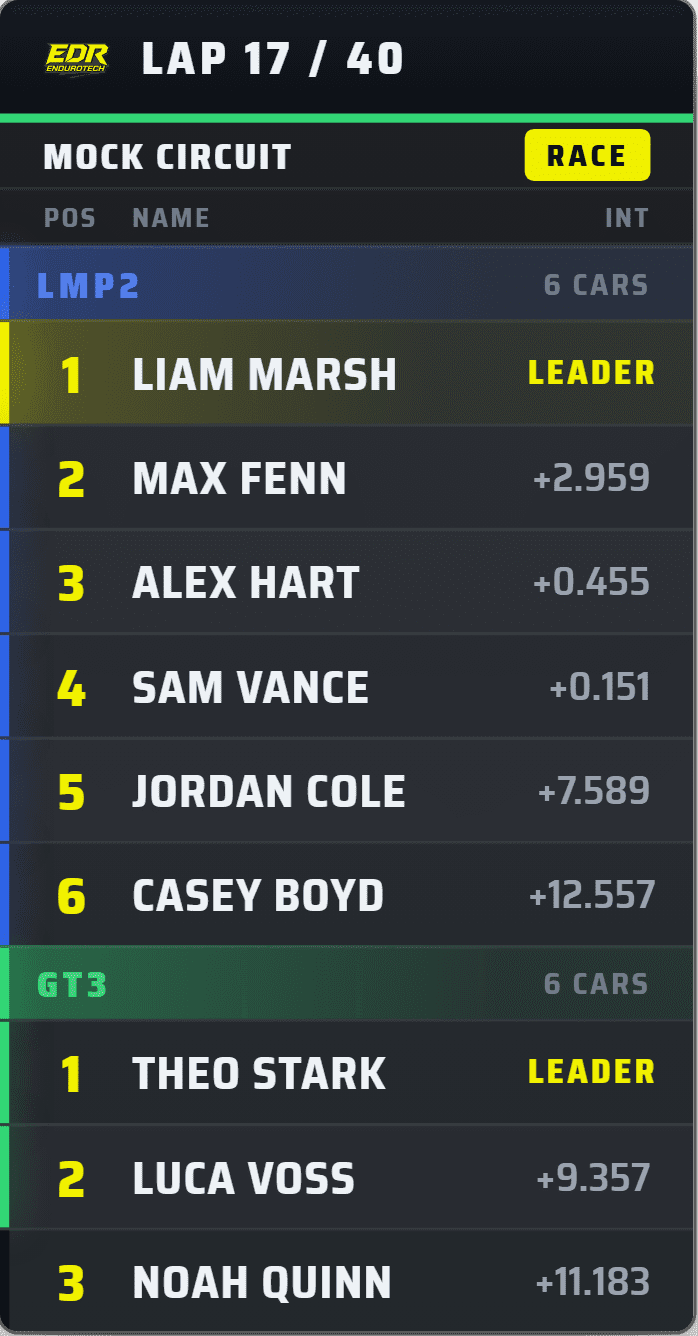
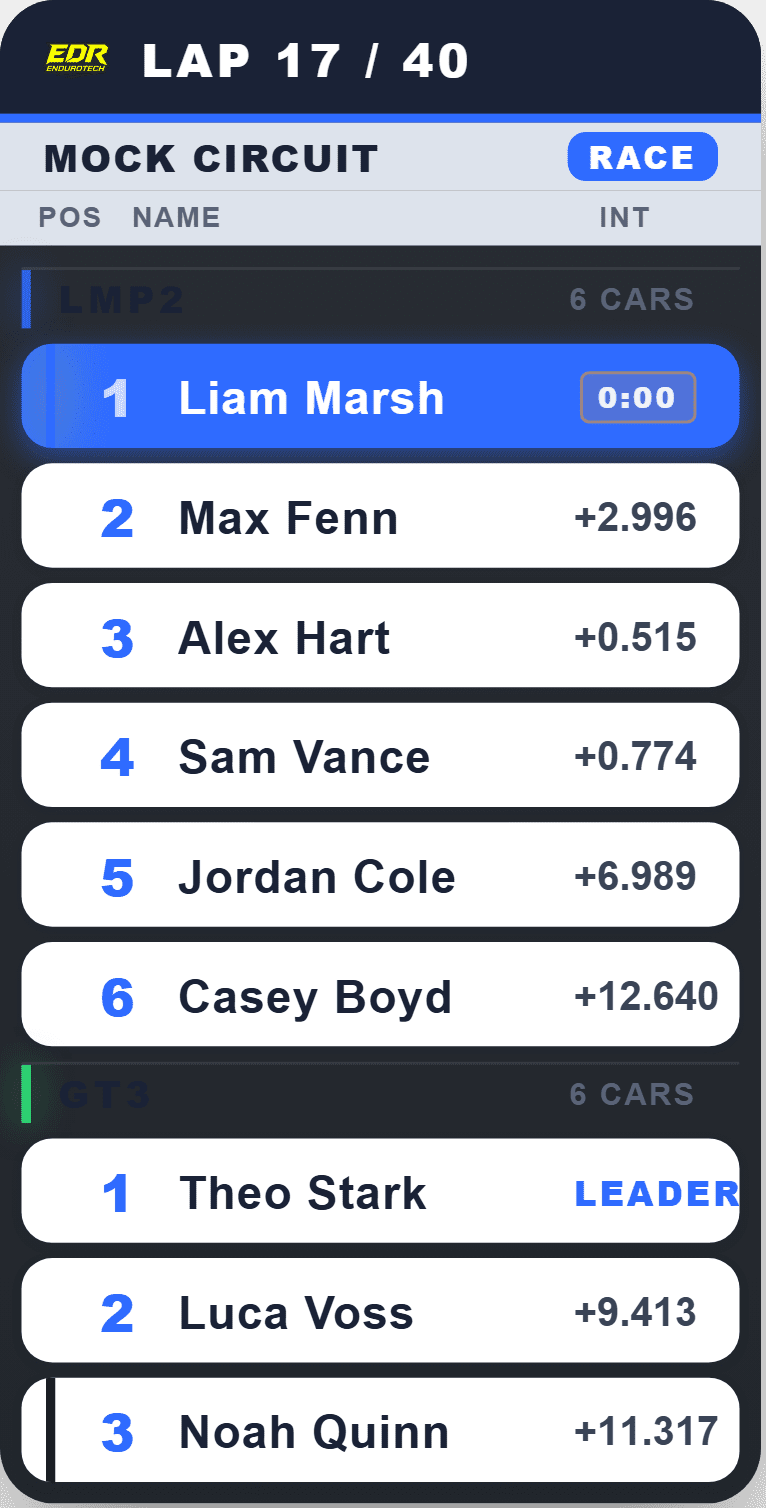
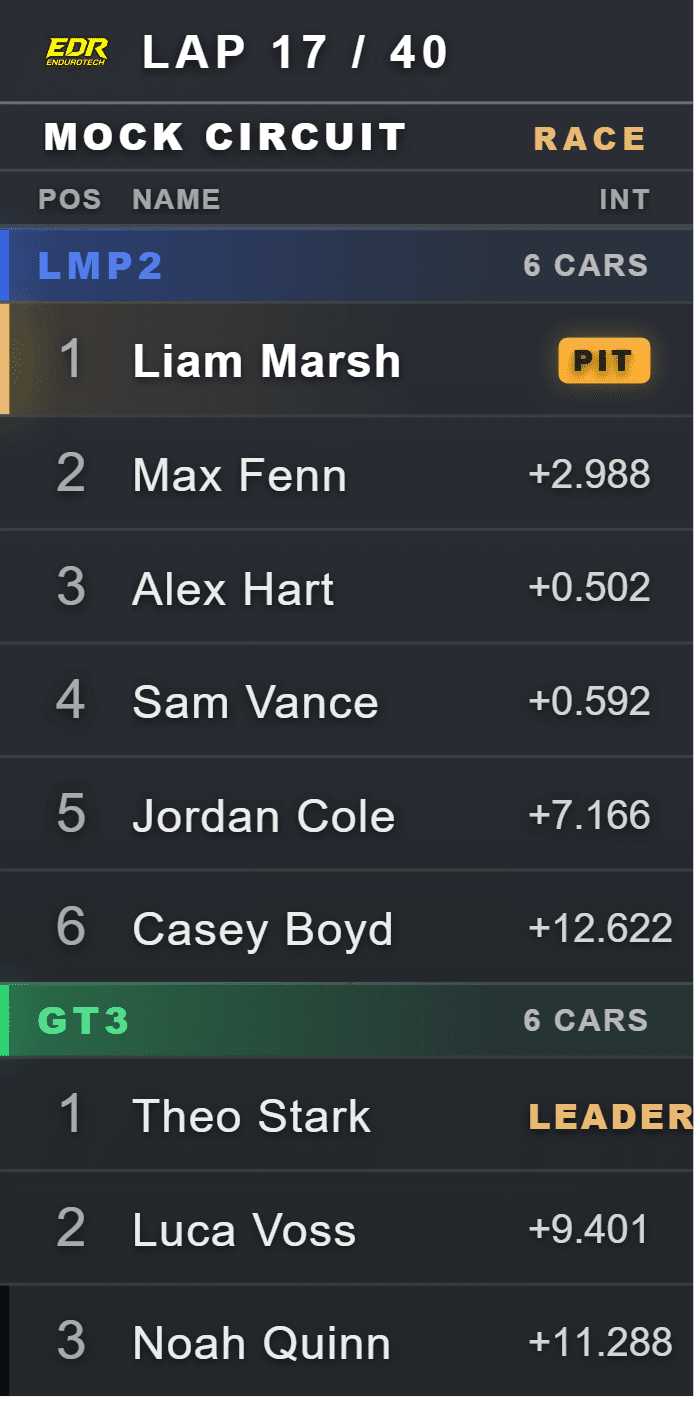
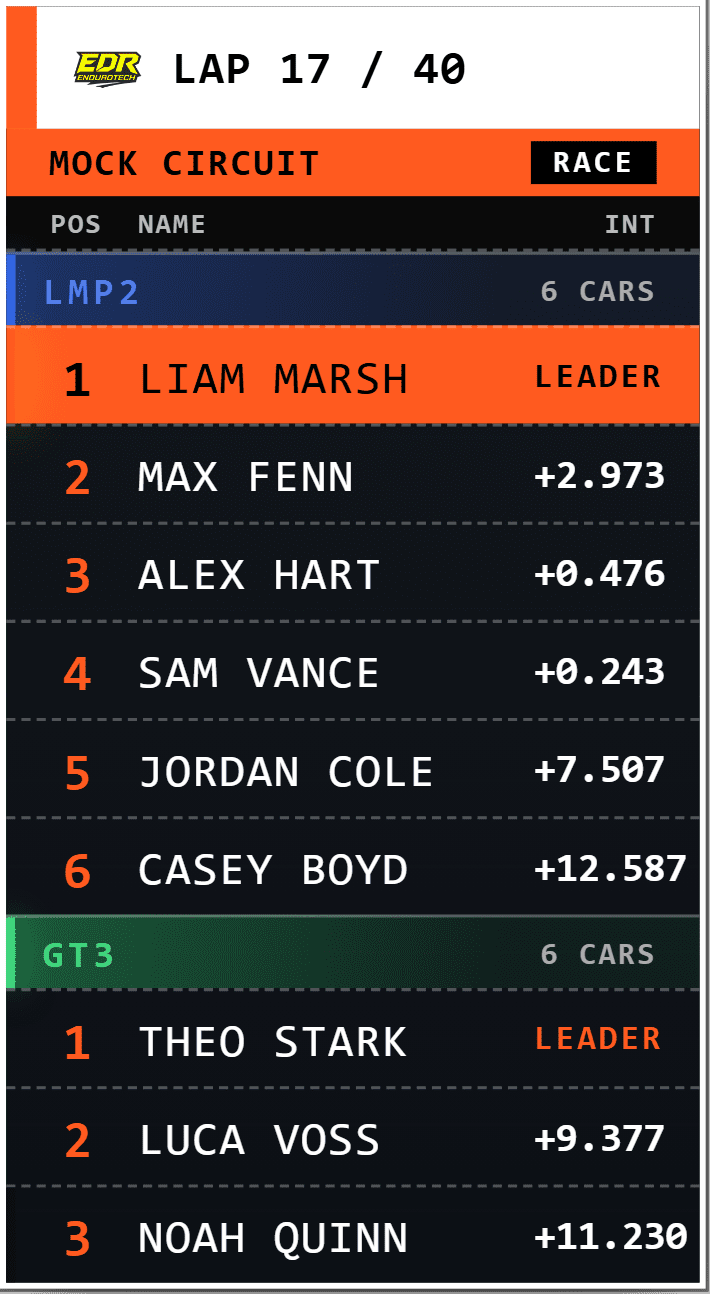
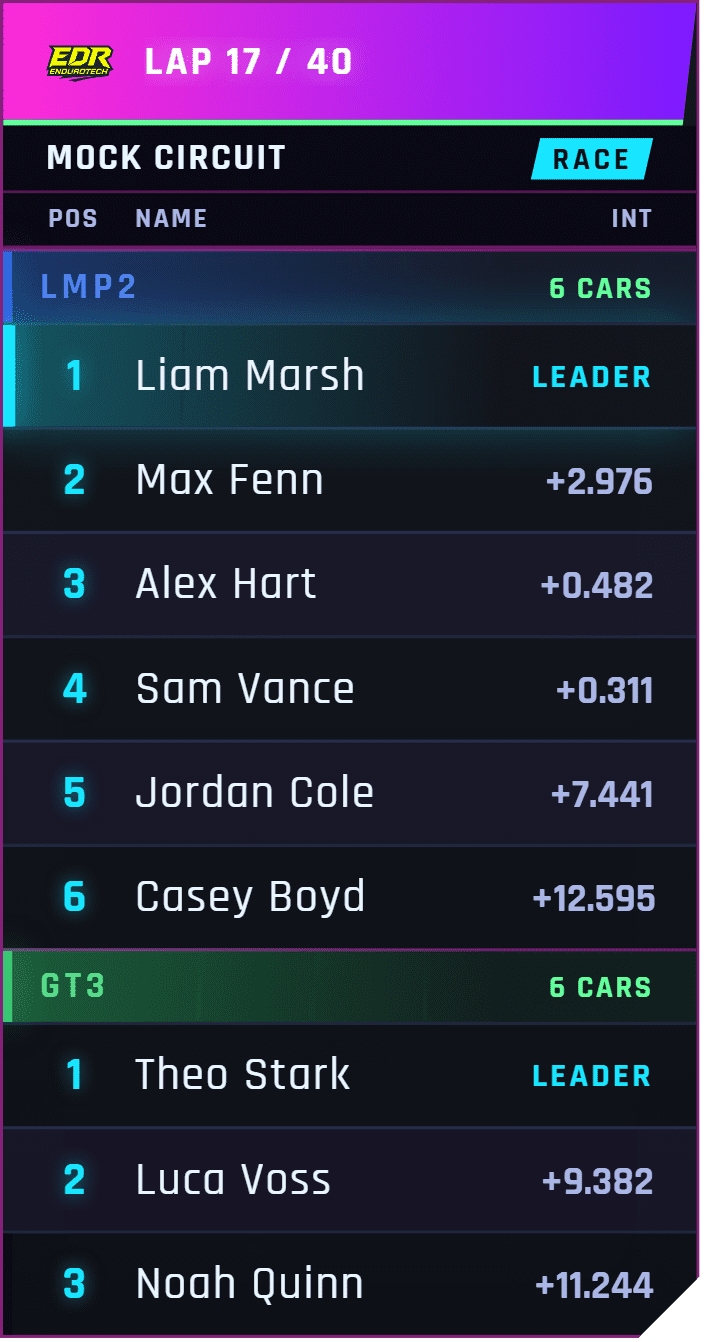
The named looks in the EDR Broadcast collection.
EDR Broadcast includes 23 themes. These are the named themes currently represented in the product showcase, including the new Oval look for stock-car and NASCAR-style broadcasts.

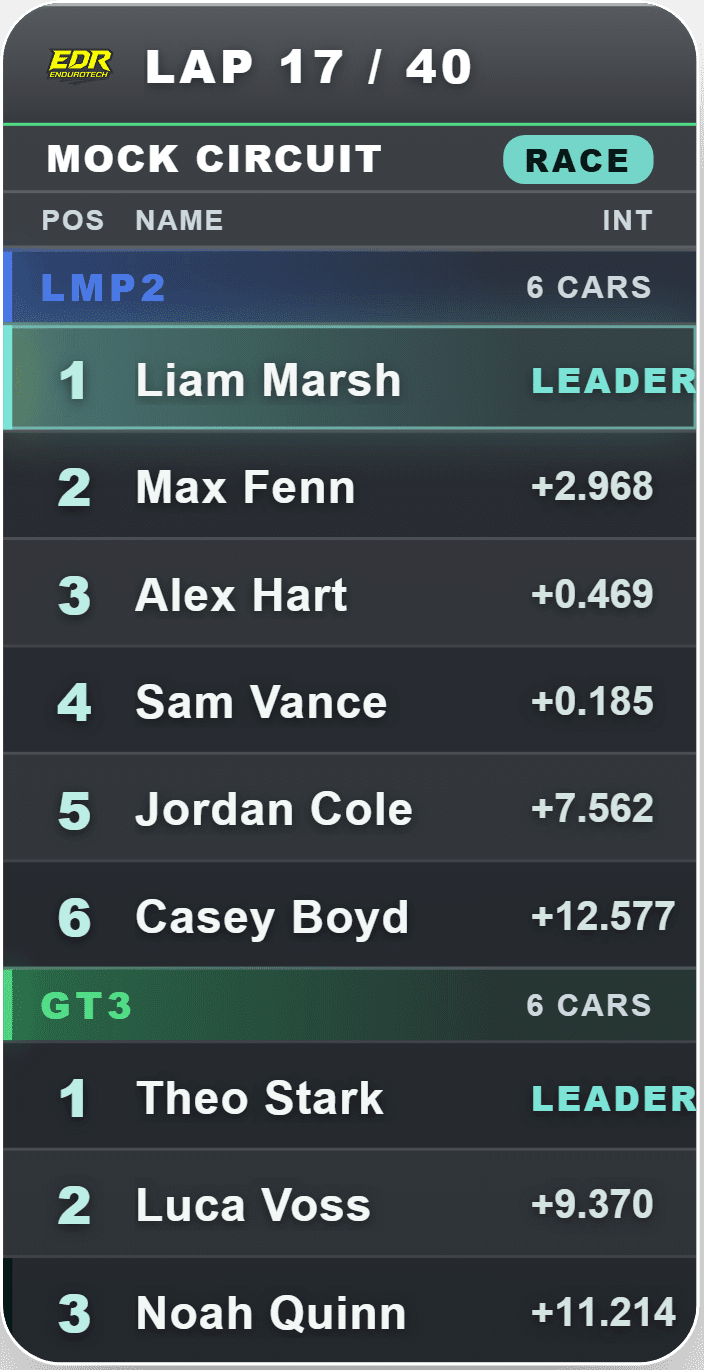
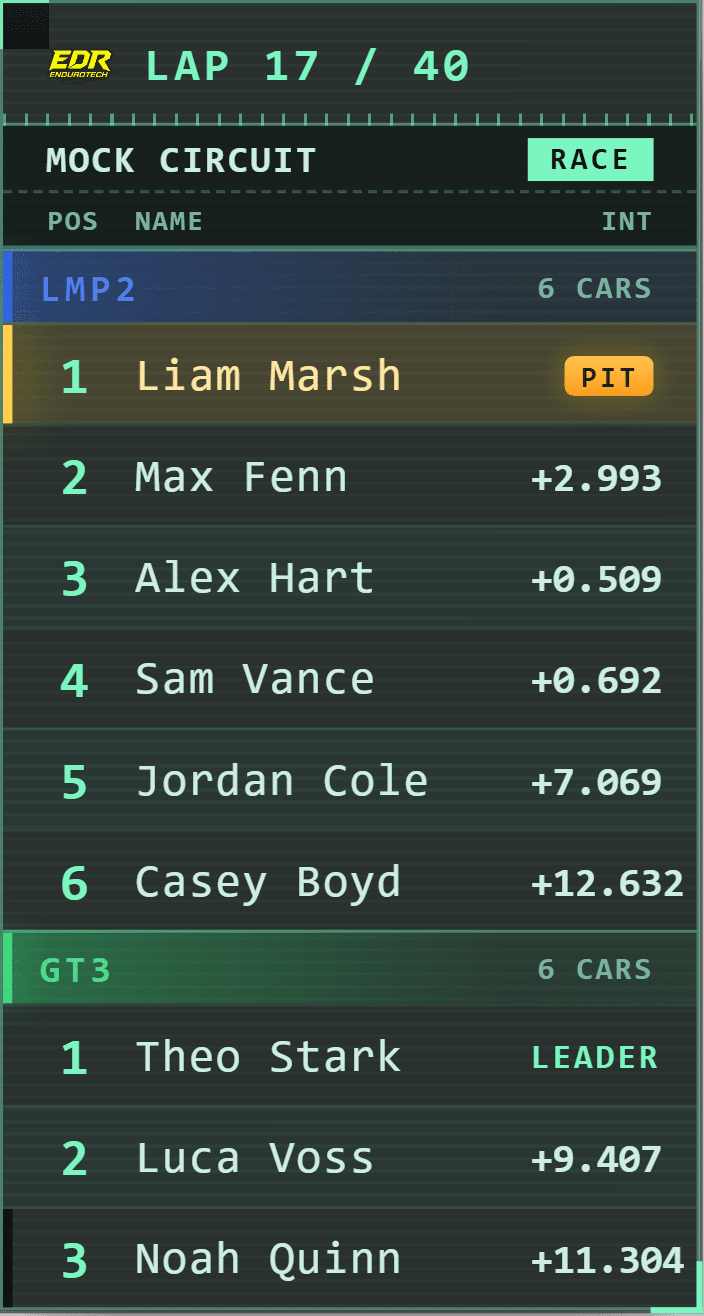
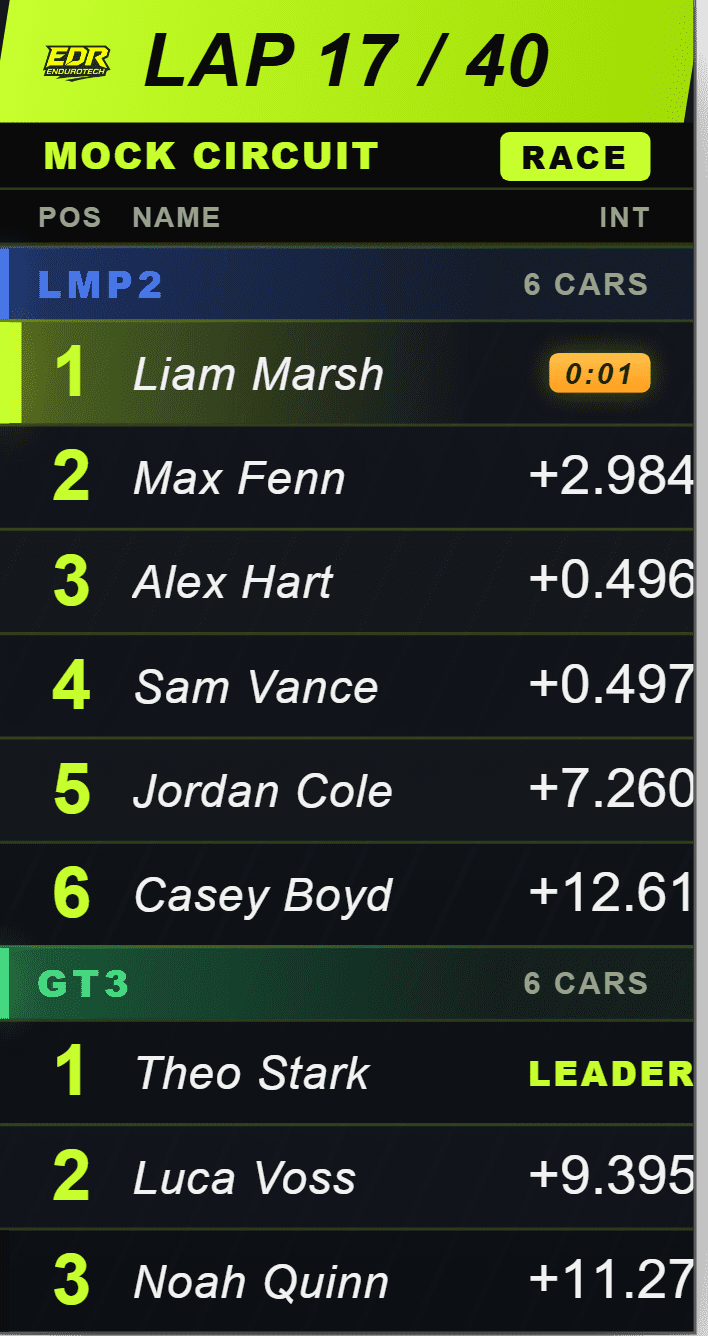
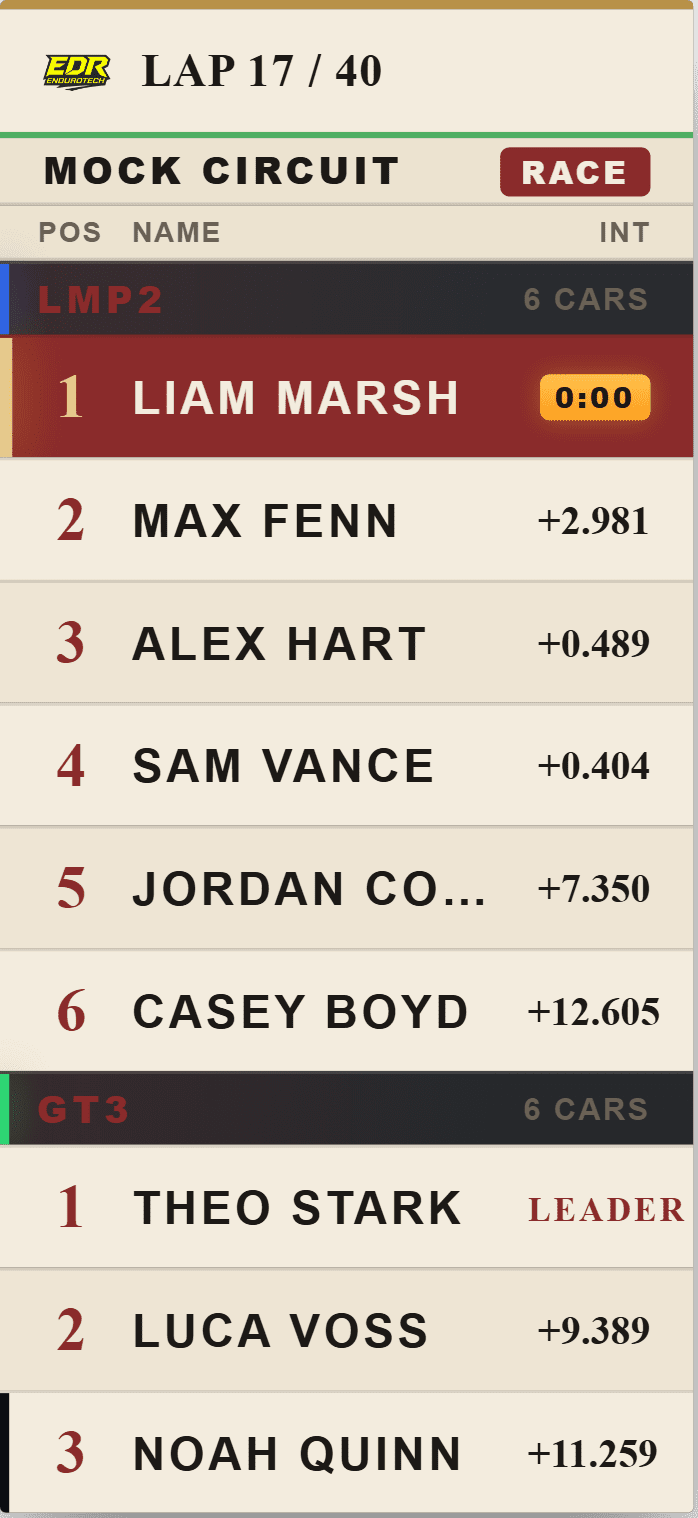
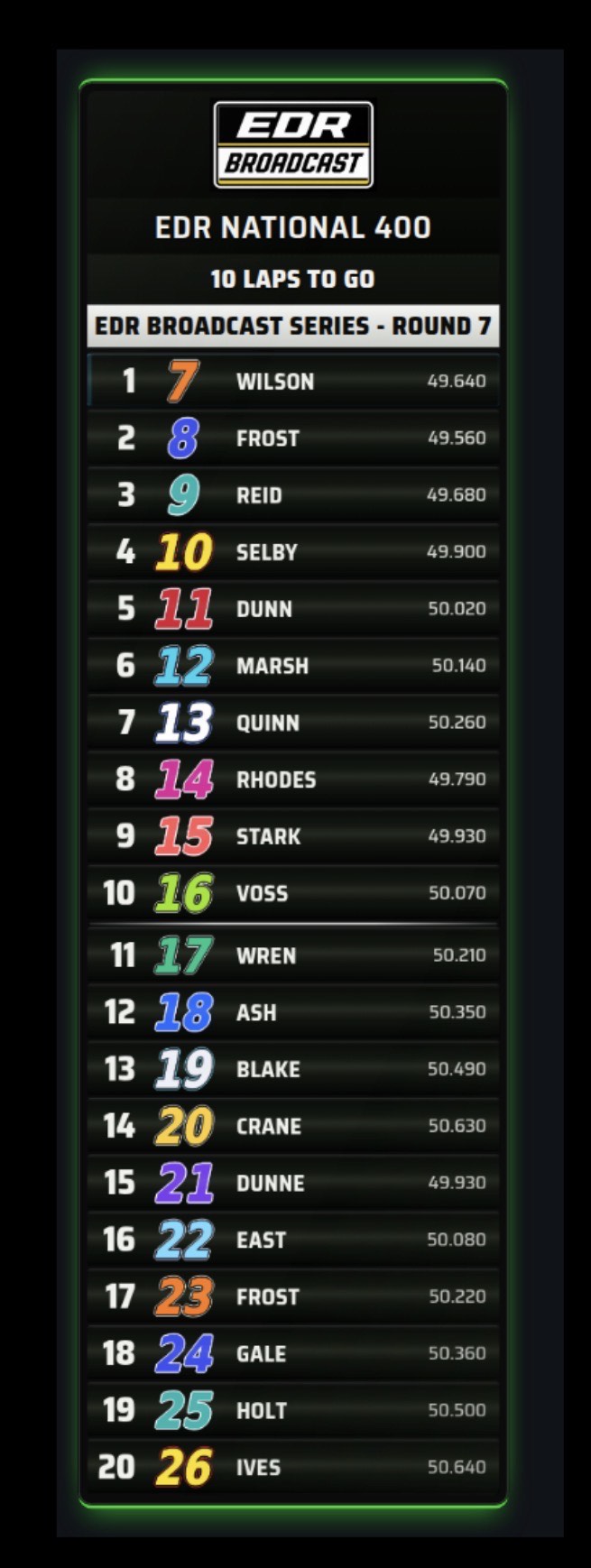
NASCAR-style race information, built around the scoring pylon.
The Oval theme is made for the information that matters in stock-car racing: a clear scoring pylon, stage state, caution count, free pass, restart order, laps led and the story of the race as it develops.
Polished graphics without rebuilding the scene every race.
EDR Broadcast is designed around operating a race, not managing a pile of separate overlay files. Themes sit inside the same Windows app that runs live timing, Auto-Director, incidents, replays and race control, so your graphics stay tied to the live session.
Browser sources, not complicated exports.
Add the EDR overlay URLs to OBS or vMix, lay out your scene once and return to the same repeatable setup each race night.
Graphics react to the real session.
The chosen theme is paired with live iRacing timing, positions, flags, incidents and results instead of relying on manually updated artwork.
Keep the production in one place.
Run the graphics beside your cameras, replay workflow, auto-direction and league operations, with no need to jump between disconnected tools.
iRacing broadcast themes, answered.
How many themes are included with EDR Broadcast?
EDR Broadcast includes 23 ready-made themes, and the WYSIWYG Theme Editor lets you create a custom visual direction for your league.
Do themes work across every overlay?
Yes. The same theme system is used across all 46 EDR overlays, including timing, flags, driver graphics, battles, grids and results.
Does it work with OBS and vMix?
Yes. EDR overlays use individual browser sources as the standard workflow, so you add them to OBS or vMix while EDR supplies the live race data and presentation. NDI output is available on request with Enterprise.
What can I test in the Pro trial?
The 14-day Pro trial includes every Pro feature and all 23 ready-made themes, including Road Course, with no card required. WYSIWYG Theme Editor authoring is a League and Enterprise feature.
Give your next iRacing broadcast a look that carries through the whole race.
Download EDR Broadcast, set up your browser sources and choose the look that fits your event. The graphics, timing and production workflow are ready in the same app.