iRacing Endurance Broadcast Setup for 6, 12 and 24 Hour Races
Plan a 6, 12 or 24-hour iRacing broadcast with operator handovers, commentary shifts, reliable scenes, incident review and fallback procedures.
Race reports, iRacing endurance guides, team announcements and EDR Broadcast updates from Endurotech Racing.
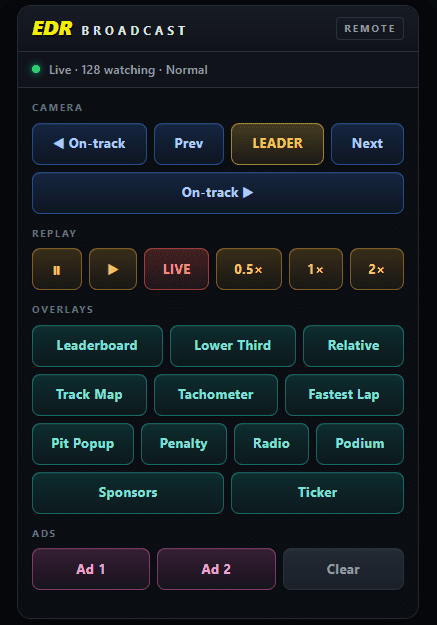
Plan a 6, 12 or 24-hour iRacing broadcast with operator handovers, commentary shifts, reliable scenes, incident review and fallback procedures.
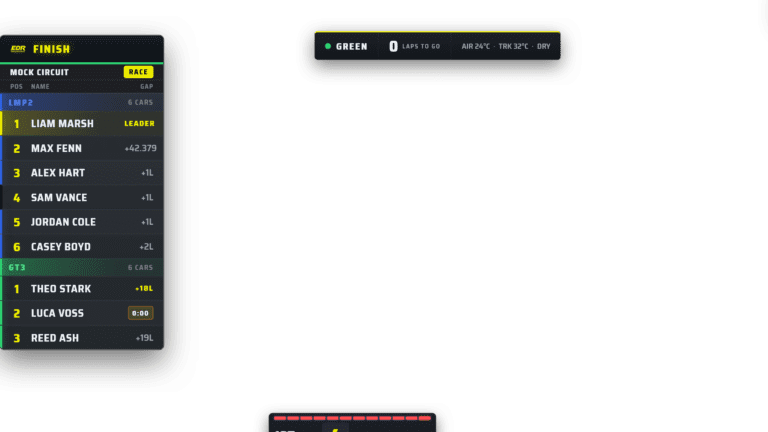
Prepare an iRacing league broadcast with a run sheet, OBS scenes, commentary, cameras, replays, sponsor graphics and a complete rehearsal.
Add iRacing overlays to OBS using browser sources. Set dimensions, transparency and layer order, then troubleshoot missing graphics and performance.

Learn how automatic camera direction supports an iRacing broadcast, when to override it and how to coordinate cameras with incident review and replays.
Build an iRacing race production in OBS with overlays, commentary, camera direction, replay control and a rehearsal before going live.
Choose iRacing broadcast overlays for a league: readable timing, driver cards, flags, results and sponsor graphics that work together in OBS.
Explore EDR Broadcast’s approach to iRacing production, combining overlays, cameras, incident review and replay controls for leagues and small crews.
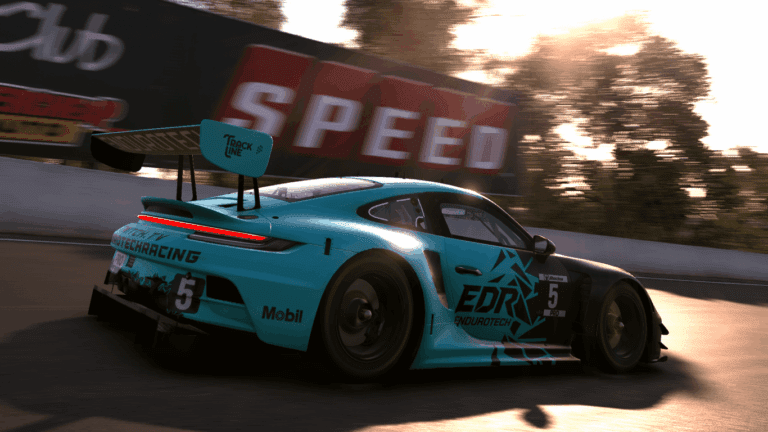
Start iRacing GT3 with a car and series that suit your experience. Learn how to assess handling, practise consistently and prepare for your first races.
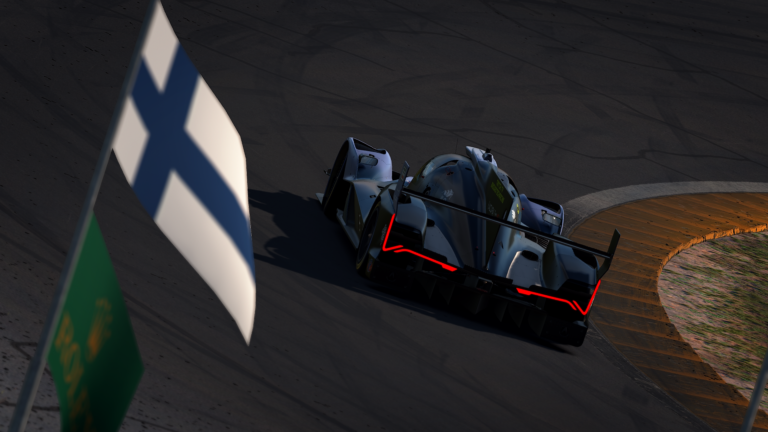
Prepare an iRacing clip for the Endurotech Stewards Report with a clear camera angle, the right category and enough context to understand the moment.
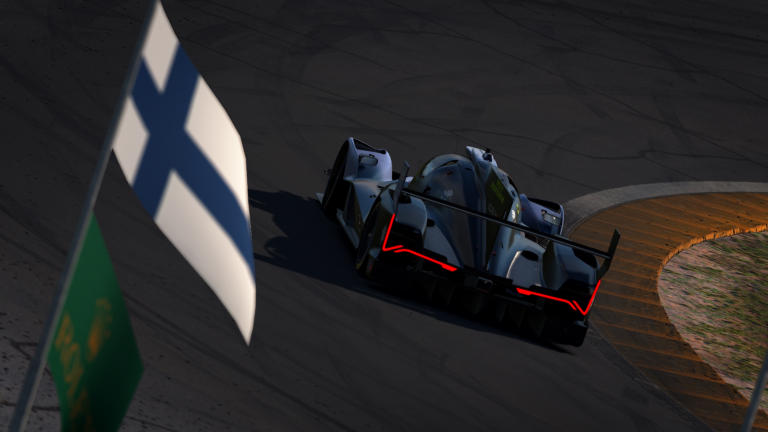
Improve GT3 braking consistency in iRacing with repeatable pressure, progressive release and full-stint practice that accounts for traffic and tyre wear.