How to Run an iRacing Broadcast with a Remote Crew
Organise a remote iRacing broadcast crew with clear camera, graphics and commentary roles, host control and rehearsed connection fallbacks.
Guides, comparisons and production advice for EDR Broadcast, iRacing overlays, race direction and live streaming.
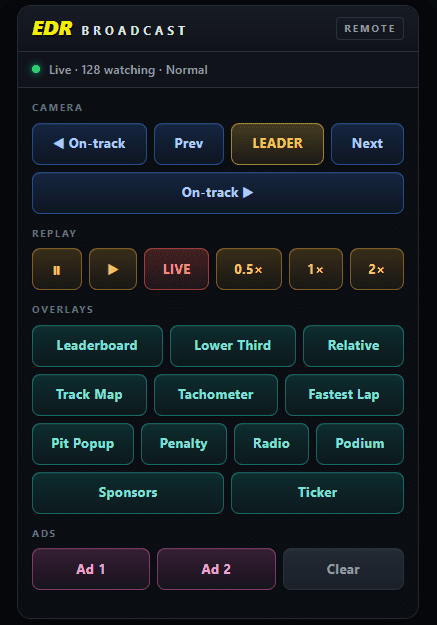
Organise a remote iRacing broadcast crew with clear camera, graphics and commentary roles, host control and rehearsed connection fallbacks.
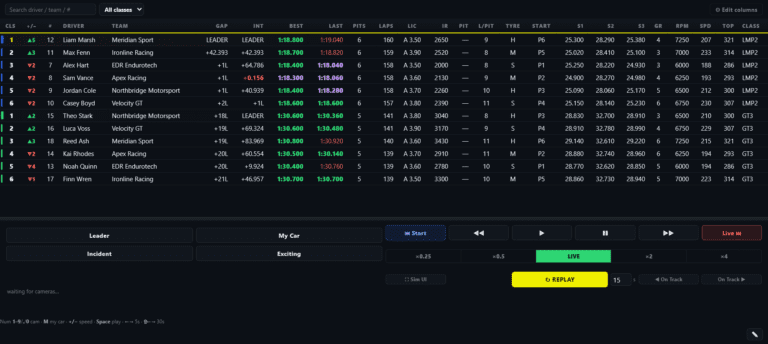
Build a useful iRacing commentator screen with live timing, class positions, incident context and communication with the production crew.
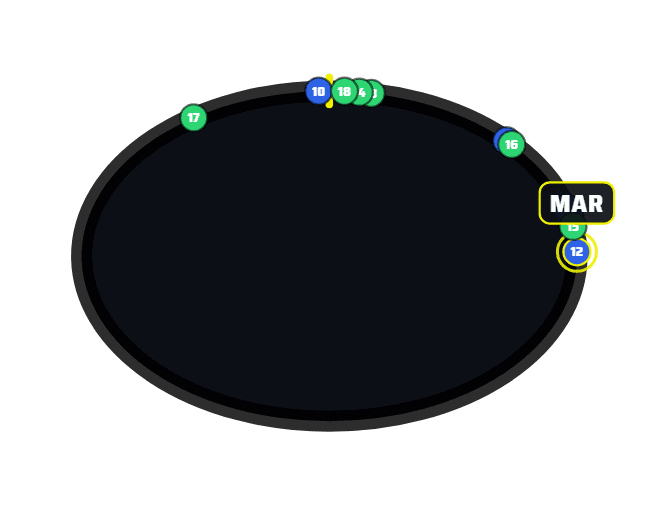
Make multiclass iRacing easier to follow with class timing, traffic context, pit-cycle information, deliberate camera choices and clear commentary.

Compare one-PC and two-PC iRacing broadcast setups. Test OBS rendering, encoder load, browser overlays and capture requirements before expanding.
See where iRacing broadcast workload builds up and how camera control, incident review, replay planning and crew roles can make a show easier to run.
Choose useful iRacing timing information for viewers, commentators, producers and stewards, including multiclass gaps and pit-cycle context.
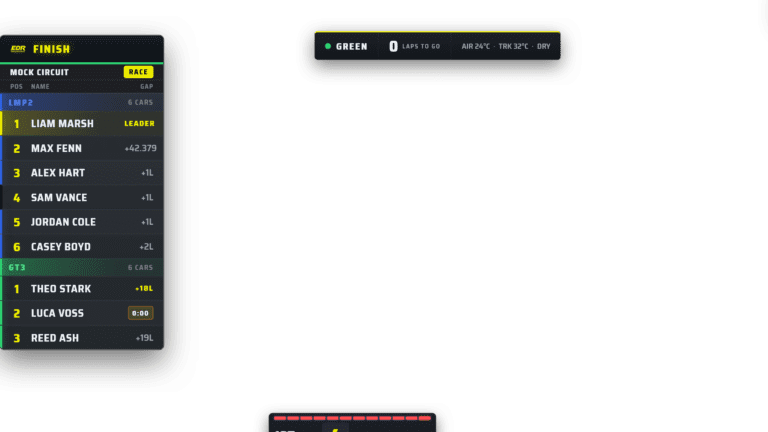
Compare SDK Gaming and EDR Broadcast for timing, driver HUDs and broadcast production. Assess graphics, camera controls and crew requirements.
Understand how iRacing session data becomes timing, driver graphics, flags and track maps, and why broadcast overlays need processing and context.
Compare ATVO and EDR Broadcast workflows for custom graphics, OBS output, cameras and replay. Test your league requirements before switching.
Find likely iRacing incidents, review timestamped candidates and choose a replay window without losing track of the live race.