Professional iRacing league broadcast
How to Run a Professional iRacing League Broadcast
Prepare an iRacing league broadcast with a run sheet, OBS scenes, commentary, cameras, replays, sponsor graphics and a complete rehearsal.
Quick answer
Build a repeatable OBS scene, define camera and replay responsibility, use readable timing and race-state graphics, prepare commentary information, separate race control from on-air decisions and run a full dress rehearsal with a fallback for every critical source.
Reviewed 19 July 2026
This is a league-production operating guide, not a promise that one app makes a broadcast professional. The process matters more than the software list.
Where is your league now?
We have never streamed a race
Start with one stable OBS scene, clean audio, a readable leaderboard, flags and one person responsible for the programme. Do not add remote crew or complex replay until the basics survive a full session.
We stream, but it feels like a driver view with a tower
Add deliberate camera direction, focused-driver context, replay labelling, a grid opening and a proper results ending. Give every graphic a job.
The show looks good but the operator is overwhelmed
Reduce windows, add safe automation, assign a remote helper or move timing and incident monitoring to another role.
We want sponsors
Create a written inventory, show examples, record delivery and protect viewer trust. A logo permanently covering the race is not a sponsorship strategy.
We hire broadcasters but want to bring production in-house
Treat the first season as training. Build a runbook, retain a fallback supplier for important rounds and invest in operators before custom graphics.
Start with a one-page production brief
Before opening OBS, write the show in plain language. This prevents software choices from deciding the broadcast by accident.
Audience
League members, existing sim racers, families, sponsors or a wider public audience. The amount of explanation changes with the viewer.
Race format
Classes, duration, cautions, starts, driver swaps, pit rules and championship consequences.
Crew
Host producer, cameras, graphics, commentators, race control and backup. One person may hold several roles, but name them.
Output
Platform, resolution, frame rate, expected programme length, recording and clip requirements.
Graphics
Persistent timing, temporary driver and battle graphics, flags, replay label, sponsor inventory and results.
Success test
Stable stream, no missed critical incident, every class covered, sponsor delivery completed and a clean result screen.
Build the OBS scene around recovery
Use the detailed iRacing OBS setup guide for capture and browser-source steps. The professional difference is recovery: what the viewer sees when the main source is not ready.
| Scene | Purpose | Failure it covers |
|---|---|---|
| Standby | Branded holding screen with safe audio | Session, capture or event delay |
| Programme | iRacing, core overlays and commentary | Normal race production |
| Replay | Obvious replay label and controlled graphics | Viewer confusion about live state |
| Full-screen information | Grid, results, schedule or race-control notice | No useful track picture during breaks |
| Emergency fallback | Minimal stable game capture or holding screen | Overlay, app or complex scene failure |
Use overlays to explain, not decorate
A league needs a readable leaderboard, focused-driver identity, flags, a battle or relative view, grid, results, replay state and carefully placed sponsor graphics. The 2026 overlay guide compares software and explains phone readability, class colour and output methods.
Leave visual space around the cars. A permanent tower, ticker, track map, telemetry panel, chat box and sponsor strap can each be useful and collectively destroy the picture.
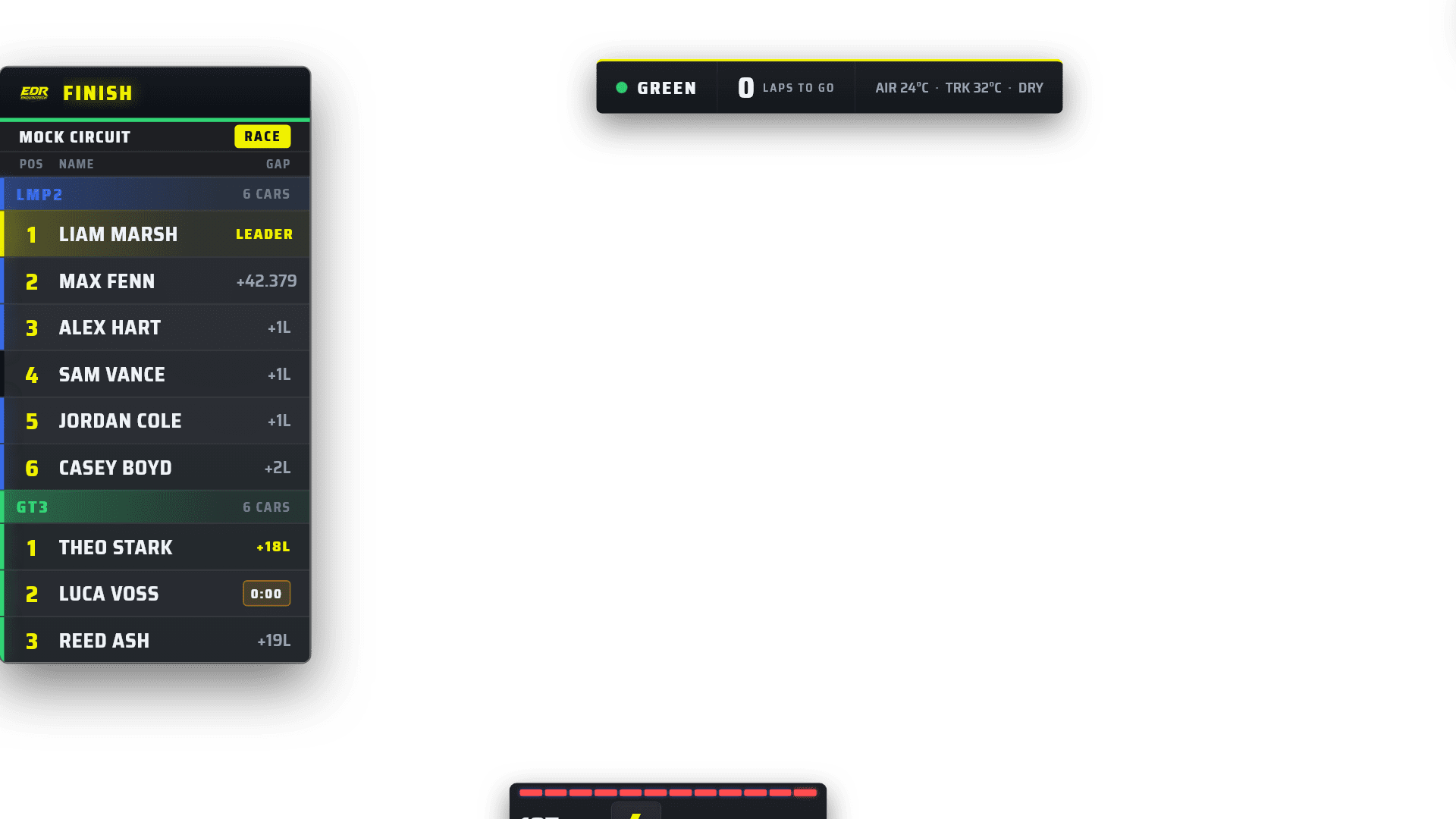
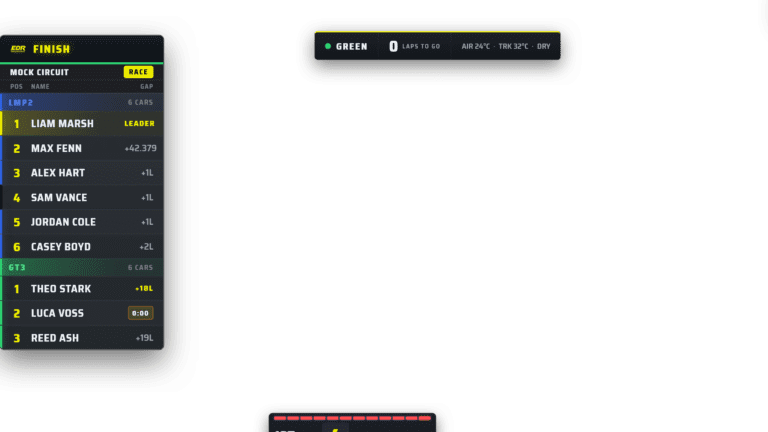
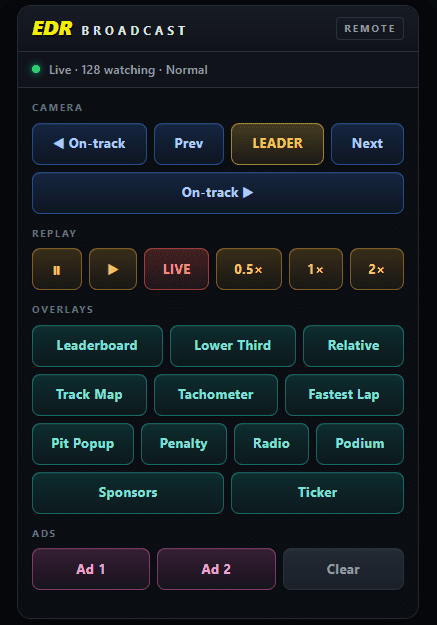
A coordinated package makes information consistent. The operator still decides which graphic earns the screen.
Camera direction creates the show
The programme camera should arrive before the decisive moment, stay long enough to establish the fight and leave only when the viewer understands what happened.
See how an iRacing Auto-Director should evaluate battles, repetition and race state without replacing human judgement.
Replays need a complete loop
A professional replay is not only a button that goes backwards. The crew must identify the moment, choose when live action can be left, label the replay, show enough evidence and return live clearly.
Find
Use a spotter, incident log or reliable timestamp. Do not scrub blindly while the race continues.
Decide
Wait if a lead battle or restart is developing. A well-timed replay later is better than missing new live action.
Frame
Choose the angle that explains the event. A dramatic onboard is not always the clearest evidence.
Label
Show REPLAY immediately and keep the graphic visible for the full replay.
Return
Tell commentators and viewers that the programme is back live. Restore the current race-state graphic.
Retain context
Record the cars, time and outcome if race control or post-race clips need the moment later.
Build the full process with the incident detection and replay guide.
Commentary needs a separate information desk
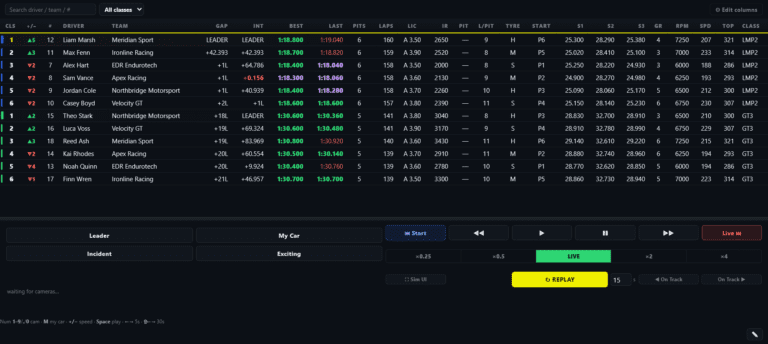
Commentators cannot explain a 40-car race from the programme picture alone. Give them class and overall timing, gaps, pit state, current driver, flags, incidents and a private production channel.
Use the commentator screen guide to divide facts, inferences and official race-control information. Remote commentators also need a rehearsed programme delay and talkback path.
Keep race control and broadcast control separate
| Information | Internal state | On-air state |
|---|---|---|
| Possible incident | Logged for review | Not a penalty or blame statement |
| Under investigation | Stewards reviewing | Show only if league policy permits |
| Decision confirmed | Official outcome recorded | Display exact penalty and car |
| Steward discussion | Private | Never sent on air by accident |
A sponsor inventory viewers can tolerate
Opening and closing credit
Clear verbal and visual association with the event without covering live action.
Timed sponsor strap
Short, logged appearances in planned quiet windows.
Replay or segment partner
Consistent identification around a real production segment, subject to platform and league rules.
Ticker placement
Useful for lower-priority rotation, but avoid making every message permanent.
Full-screen bumper
Suitable for breaks, cautions or pre-race. Confirm audio rights and duration.
Post-race report
Provide delivery counts, stream link, clips and screenshots instead of vague reach claims.
The race-night run sheet
The full dress rehearsal
Use the maximum expected car count, classes, weather and output settings.
Run the opening, one pit cycle, an incident replay, a caution or restart and the finish.
Disconnect one remote operator and one non-critical source, then follow the fallback plan.
Hand the programme to the backup operator without stopping the recording.
Watch the result on a phone and television, checking audio, class readability and live versus replay state.
Fix the runbook and repeat the failed section. Do not merely agree to remember it.
Frequently asked questions
How many people do I need for a professional iRacing broadcast?
One prepared operator can run a simpler show with automation. Two or three people create safer camera, commentary and race-control separation. Define jobs before counting seats.
What software does an iRacing league broadcast need?
At minimum, the iRacing spectator client and OBS or similar production software. Add overlays, camera, replay, timing and remote tools according to measured needs.
Do professional broadcasts need custom overlays?
No. Consistent, readable ready-made graphics can look professional. Custom design matters when league identity and sponsor inventory justify it.
Should a league use an Auto-Director?
It is valuable for small crews and long races when it behaves predictably and allows instant manual override. Test it with your discipline and camera packs.
How do we avoid missing incidents?
Use whole-field monitoring or incident detection, log times and cars, and separate finding the event from deciding when the programme can show it.
Can EDR Broadcast run a complete league show?
EDR combines graphics, cameras, incidents, replay and supported league workflows. It remains in public beta, so test your complete event process and keep a fallback.
Choose the next build step
Compare the current software market, decide whether you need one PC or two, then assign the remote crew roles.
Build one repeatable race night
Start with EDR’s Free graphics, then use the 14-day Pro trial to test Auto-Director, incidents and replay. No card and no automatic subscription.
Download EDR Broadcast First Broadcast Setup